Voice Writer for Mac
Live dictation that fixes its own grammar.
Speech recognition and grammar correction run entirely on your Mac. No cloud. No account.
Download for Mac Download for Mac
macOS 13+ · M1, M2, M3 or M4 Mac · Free · No account
- No account, no tracking, no analytics
- Works with Wi-Fi off
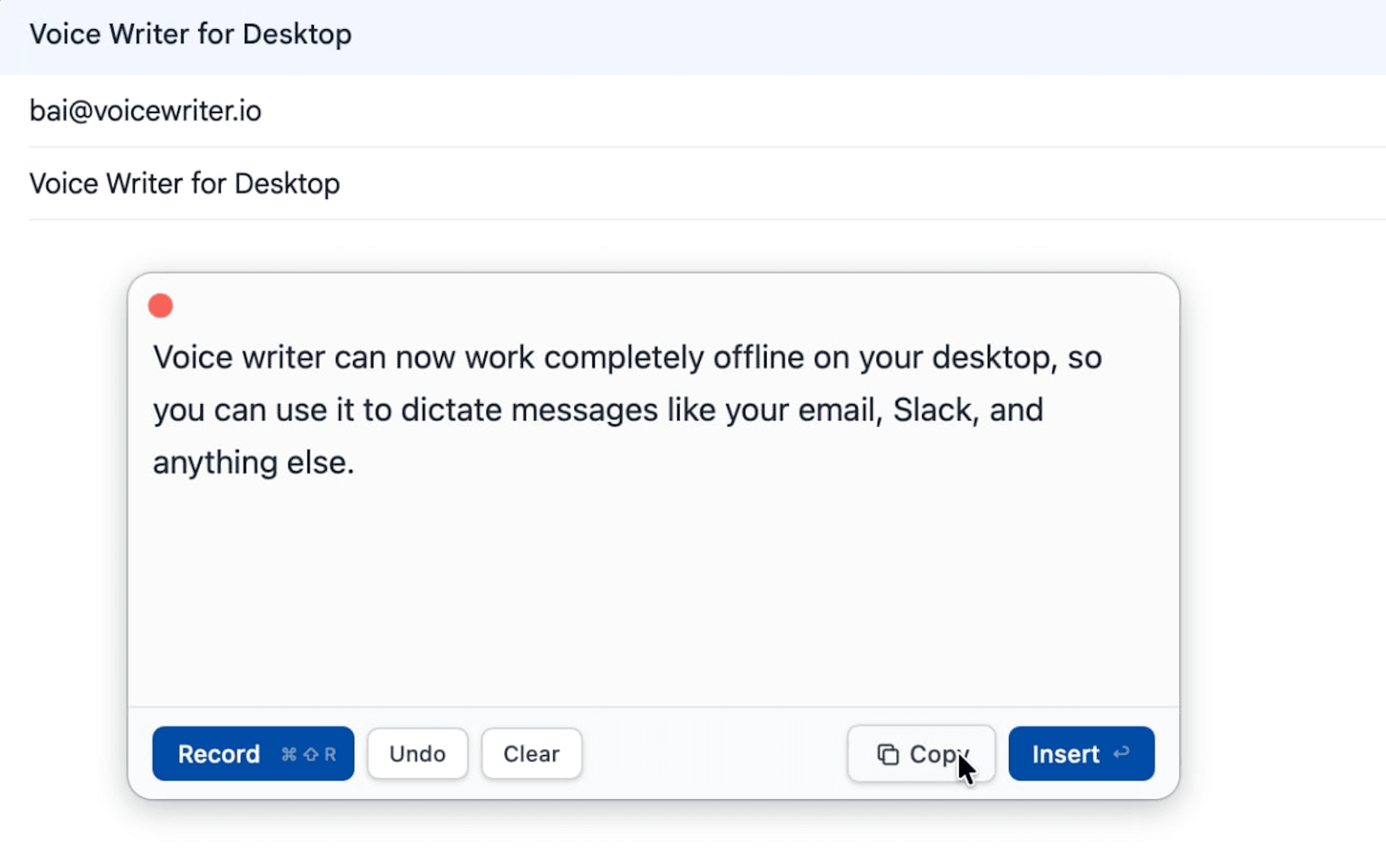
System-wide
Press ⌘⇧Space from any Mac app to start dictating.
On-device
Speech recognition and grammar correction run on your M-series chip.
No account
Download once. Run offline.
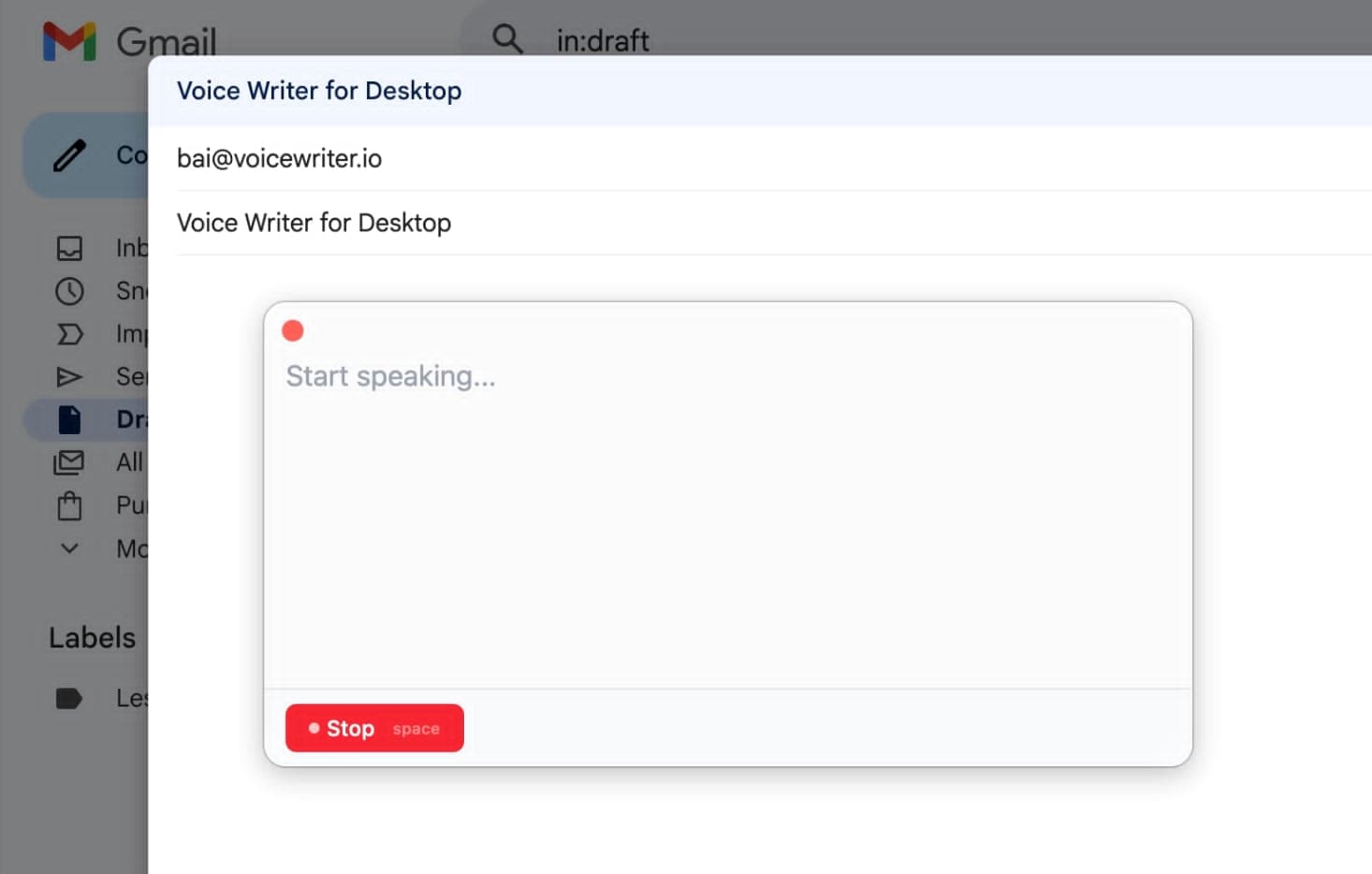
The grammar fix runs locally too
After you dictate, a language model running on your Mac cleans up the transcript.
Your words stay on your Mac. Nothing is ever sent to the internet.
The Mac app is for you if…
- You don't want audio leaving your computer.
- You want to dictate into native apps a browser extension can't reach (Mail, Messages, Notes, Xcode, Terminal, Slack desktop).
- You work offline, on planes, or in secure environments.
Still deciding? Here's the honest comparison.
| Web app | Mac app | |
|---|---|---|
| Setup | None | One-time model download on first run |
| Languages | All supported | English only (for now) |
| Where it works | Any browser, any device | Any app on your Mac |
| Privacy | Audio sent to cloud | 100% on-device |
| Hardware | Any computer | M1, M2, M3 or M4 Mac |
| Cost | Free tier + paid | Free |
What to expect on first launch
1
Allow microphone access
macOS asks once, at the OS level. The grant lives in System Settings. We never see or store it.
2
First launch downloads ~3.5 GB of AI files
The models download once and live on your Mac. After this, the app never phones home. Turn off Wi-Fi and it still works.